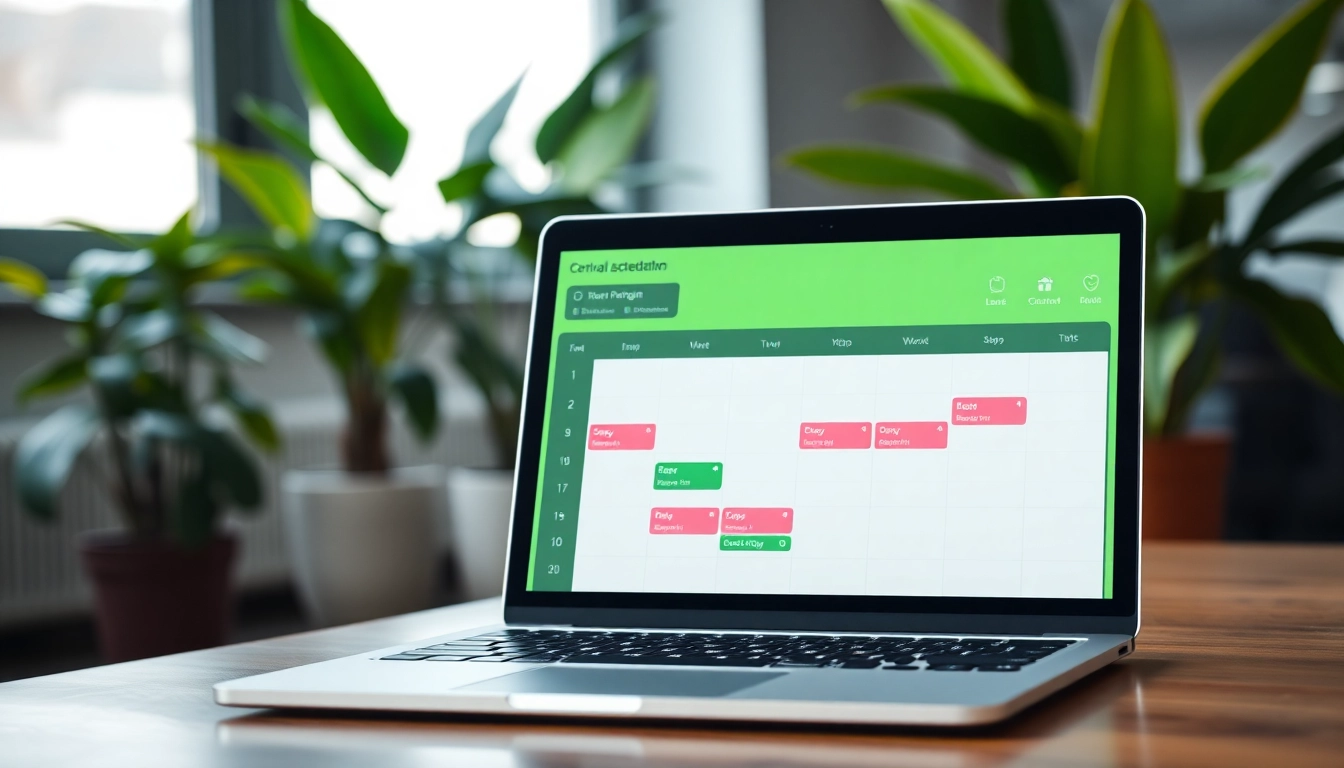
Understanding the Virtual Assistant Scheduling Tool
What is a Virtual Assistant Scheduling Tool?
A virtual assistant scheduling tool is a digital application designed to aid individuals or organizations in managing appointments, calendar events, and meetings efficiently. This tool streamlines the scheduling process by automating time allocations and alleviating the burden of manual scheduling, which is often riddled with human errors. These tools leverage advanced algorithms, allowing for intelligent scheduling that adapts to user preferences and availability, delivering seamless coordination for both personal and professional engagements.
Benefits of Using a Virtual Assistant Scheduling Tool
Embracing a virtual assistant scheduling tool carries multiple benefits. Firstly, it enhances time management by reducing the time spent on scheduling activities. Users can avoid the back-and-forth communication often associated with scheduling meetings. Additionally, such tools typically integrate with existing calendars and applications, ensuring all engagements are synchronized.
Secondly, it improves productivity. By automating scheduling tasks, individuals and teams can focus more on their core responsibilities rather than on logistical details. Furthermore, it fosters better collaboration among team members by ensuring everyone is on the same page regarding meeting schedules and commitments.
Lastly, a virtual assistant scheduling tool can provide real-time availability updates, enabling quicker decision-making. Users can book meetings effortlessly without the need to verify someone’s availability verbally or through email, minimizing wasted efforts and optimizing engagement timing.
Key Features to Look For
When selecting a virtual assistant scheduling tool, certain features are pivotal to ensuring it meets user needs effectively:
- Integration Capability: The ability to seamlessly integrate with existing calendar applications such as Google Calendar, Outlook, or iCloud is essential for streamlined functionality.
- Automated Reminders: Automatic reminders for meetings help reduce no-shows and ensure all participants are prepared.
- Customizable Scheduling Options: Users should have the ability to set specific guidelines for meeting lengths, availability, and preferred hours for scheduling.
- Mobile Accessibility: A tool with a responsive design or dedicated mobile app allows for scheduling on the go, enhancing flexibility.
- Time Zone Management: Features that automatically adjust for different time zones are invaluable, especially for international teams.
How to Choose the Right Virtual Assistant Scheduling Tool
Assessing Your Needs and Requirements
Before diving into options, it's crucial to assess your specific needs. Consider factors such as:
- Your scheduling volume: How many appointments do you typically manage within a week?
- Your current challenges: Are you struggling more with conflicts, reminders, or time management?
- Integration needs: Will this tool need to work alongside other software you currently use?
Understanding these aspects will guide you in narrowing down the best tool that caters precisely to your methods and objectives.
Comparing Software Options
After pinpointing your needs, it’s time to explore different software options. Create a side-by-side comparison of various tools, focusing on:
- Price: Does the tool fit your budget?
- User Interface: How intuitive is the design?
- Customer Support: Are there adequate support resources available?
- Reviews and Ratings: What are the general sentiments expressed by current users?
This comparative analysis can help streamline your decision-making process and clarify which tool aligns best with your requirements.
User Feedback and Reviews
Customer feedback can be an invaluable resource when selecting a virtual assistant scheduling tool. Seek out user reviews from independent platforms to get honest insights into the tool's efficiency and performance. Pay particular attention to comments concerning:
- Usability: Is the tool easy for users of all levels?
- Reliability: Does the tool perform consistently under varying loads?
- Customer support experience: How responsive is the support team?
Compiling user experience from various sources can paint a clearer picture and assist you in making an informed choice.
Setting Up Your Virtual Assistant Scheduling Tool
Creating an Effective User Profile
After selecting your scheduling tool, creating a robust user profile is imperative. Start by populating your profile with:
- Your availability: Mark preferred times for meetings.
- Types of meetings you typically engage in, such as team check-ins or client consultations.
- Your contact information: Ensure it's up-to-date for other users.
A well-structured user profile sets the stage for efficient scheduling, catering to both your availability and preferences.
Integrating With Existing Systems
Effective integration with your existing systems is vital for a fluid operation. Be sure to connect your scheduling tool with other calendars, project management software, and communication apps.
This will not only assist in avoiding scheduling conflicts but also ensure data synchronization across platforms, keeping everyone informed regardless of the tool in use.
Customizing Notifications and Preferences
Take time to customize notification settings according to your personal preferences. Custom alerts for upcoming meetings, reminders for follow-ups, and confirmations are essential in ensuring no appointment goes unnoticed.
Understanding the frequency and types of notifications you prefer can make your scheduling process smoother and more effective.
Best Practices for Using Your Virtual Assistant Scheduling Tool
Implementing Regular Updates
Continuously updating your scheduling tool and profile is essential to enhance performance. Ensure you adjust availability as necessary, add new meeting types, and refine your settings according to evolving needs.
Keeping your software updated can also mean improved features and better security protocols, offering a more reliable platform to build your schedule around.
Effective Communication with Assistants
Establishing clear communication channels with your virtual assistant is paramount. Outline expectations regarding the types of meetings to be scheduled and any preferences regarding notification settings. Regular check-ins can also help align on task priorities and upcoming events.
By fostering an effective communication environment, you and your assistant can work harmoniously towards common scheduling goals.
Monitoring Performance Metrics
Track performance metrics using your scheduling tool’s analytics features. Look for data on:
- Meeting no-show rates
- Time spent on scheduling tasks
- Trends in meeting frequency
Analyzing this data over time can help you optimize your scheduling practices, identifying patterns that may need adjustment or improvement.
Common Challenges and How to Overcome Them
Dealing with Calendar Conflicts
Calendar conflicts are a common challenge when scheduling, especially in busy environments. To tackle this, always ensure that your availability settings are current and communicate them effectively to your team. Encouraging all participants to keep their calendars up-to-date can also alleviate some of these conflicts.
Managing Multiple Time Zones
With global teams, managing multiple time zones can be tricky. Utilize tools that automatically adjust for participant time zones during scheduling. Also, establishing standard meeting windows that take various zones into account can reduce confusion among team members and ensure inclusivity.
Staying Adaptable to Change
Flexibility is key in any scheduling environment. As priorities shift, encourage everyone involved to be adaptable. Setting up an efficient procedure for reallocating meetings and demonstrating understanding and flexibility can foster a more collaborative atmosphere, reducing stress around scheduling conflicts.
Frequently Asked Questions
1. How do virtual assistants schedule appointments?
Virtual assistants typically compile appointment lists, determine time requirements, communicate with attendees, and consolidate appointments into a single, organized calendar.
2. Are there free virtual assistant scheduling tools available?
Yes, there are free virtual assistant scheduling tools that cater to individuals and small teams looking for budget-friendly options while still maintaining essential functionalities.
3. Can I customize notifications in my scheduling tool?
Absolutely! Most virtual assistant scheduling tools allow users to customize notification settings based on their preferences for reminders and alerts.
4. How can I handle time zone differences while scheduling?
Select a tool that automatically adjusts for time zones, and consider establishing standard meeting windows to accommodate participants across various regions.
5. What metrics should I monitor for effective scheduling?
Track meeting no-show rates, time spent on scheduling tasks, and trends in meeting frequency to assess and optimize your scheduling effectiveness.